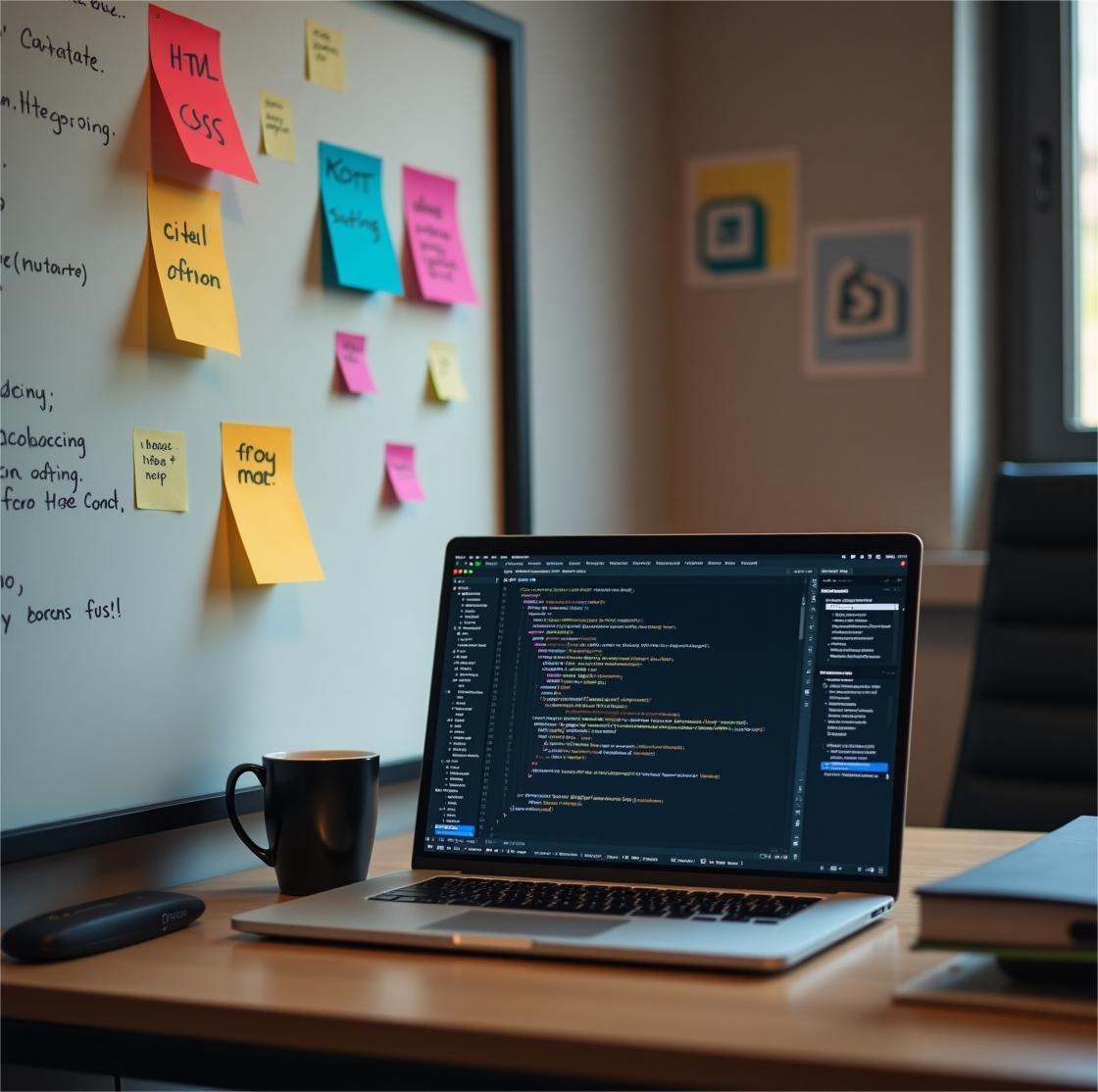
How to Start Web Development – A Beginner’s Guide
🚀 Step 1: Understand What Web Development Is
Web development involves creating websites or web applications that run in a browser. It’s generally divided into:
Frontend (Client-side): What users see — built using HTML, CSS, and JavaScript.
Backend (Server-side): The logic behind the scenes — uses languages like PHP, Node.js, or Python.
Full Stack: A combination of both frontend and backend.
🛠️ Step 2: Learn the Core Technologies
Start with the building blocks:
HTML (HyperText Markup Language): The structure of your webpage.
CSS (Cascading Style Sheets): The design and style of your webpage.
JavaScript: The interactivity and functionality of your website.
✅ Pro Tip: Practice by building simple web pages like a portfolio, to-do list, or a blog layout.
📚 Step 3: Use Free Learning Resources
Here are some great free resources to get started:
🧰 Step 4: Learn Tools That Developers Use
Modern web developers use a variety of tools:
Code Editors: VS Code, Sublime Text
Version Control: Git and GitHub
Package Managers: npm (Node Package Manager)
Frameworks/Libraries: React (Frontend), Express.js (Backend)
🌐 Step 5: Build Projects
Practice by creating:
A personal portfolio
A weather app using APIs
A blog site with comments
A small e-commerce site
The more you build, the more confident you become.
🎯 Step 6: Host Your Projects
Use platforms like:
GitHub Pages (for static websites)
Netlify or Vercel (for React or static sites)
Render or Railway (for full-stack apps)
💼 Step 7: Join Communities & Stay Updated
Be active in the tech community:
Join forums like Stack Overflow or Reddit’s r/webdev
Follow developers on X (Twitter), YouTube, or LinkedIn
Contribute to open-source on GitHub
✨ Conclusion
Starting web development may seem overwhelming at first, but with consistent practice and the right resources, anyone can learn it. Set realistic goals, build real-world projects, and never stop experimenting. Web development is a journey — enjoy the process and keep learning!